Solutions
Gunshot detection you can deploy in minutes
No cameras. No wiring. Audio stays private by default. Pick an industry to open a clear recommended setup and pilot plan.
Outdoor events
Gunshot awareness across flexible perimeters, no wiring and no cameras.
Guard companies
Portable coverage for patrol routes, lots, and temporary posts.
Logistics yards
Outdoor coverage for gates, truck lanes, lots, and employee parking.
Campuses
Outdoor perimeter awareness for staff, responders, and administrators.
Places of worship
Outdoor coverage for entrances, parking areas, and gathering spaces before and after services.
Recommended setups
Clear setup and pilot plan for each environment
Start small, validate in your environment, and expand only when the data supports it.
Outdoor events
Festivals, parades, fairs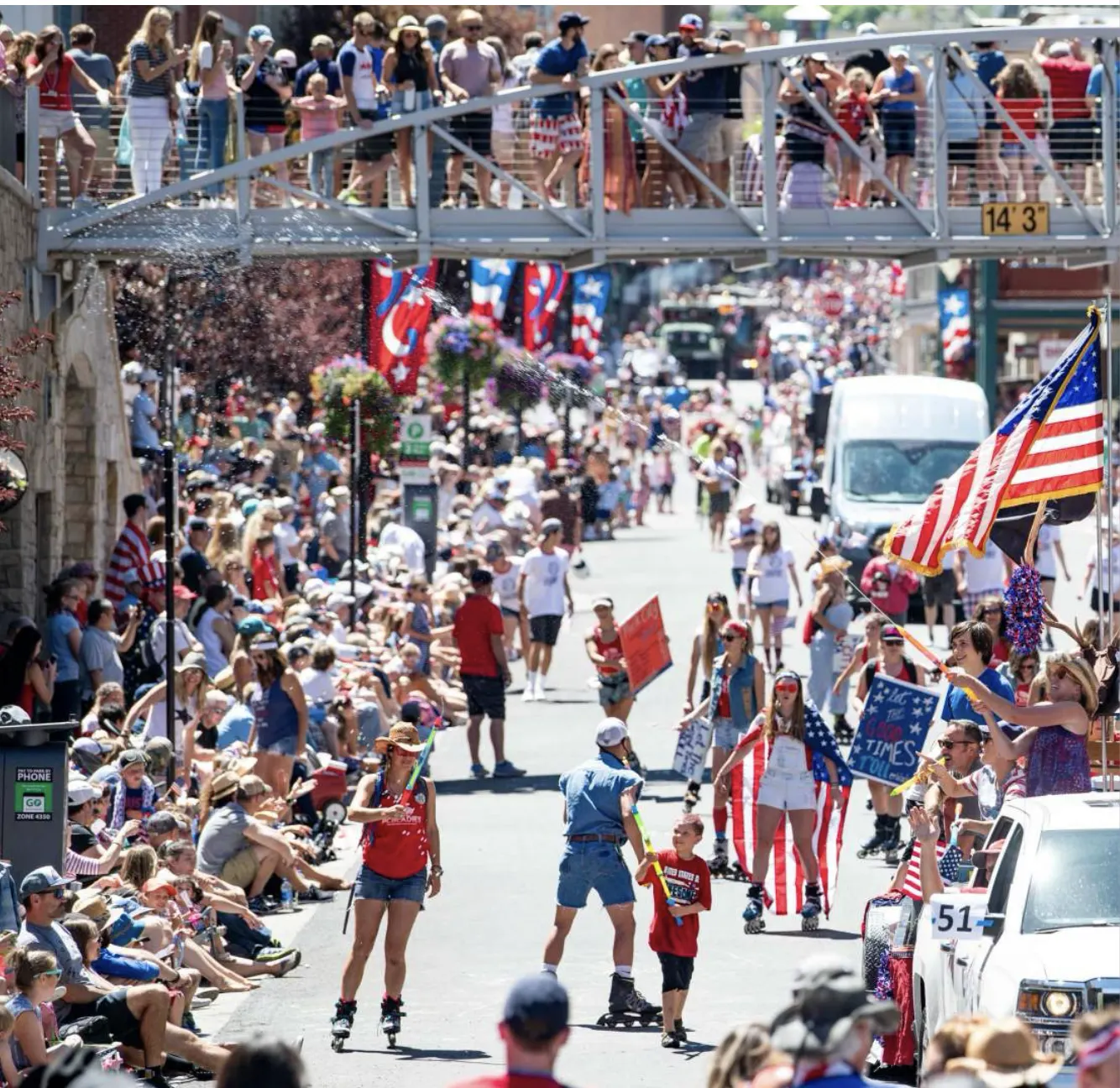
Outcomes
- Deploy coverage fast and move it as the perimeter changes
- Build confidence with corroboration across multiple devices
- Share a simple readiness report after the event
Pilot setup
- 1Place phones with security personnelEntry, stage, dense areas, command post
- 2Assign rolesEvent admin, security lead, key staff
- 3Run and reviewConfirm events, then export the pilot summary
Guard companies
Posts, patrols, client sites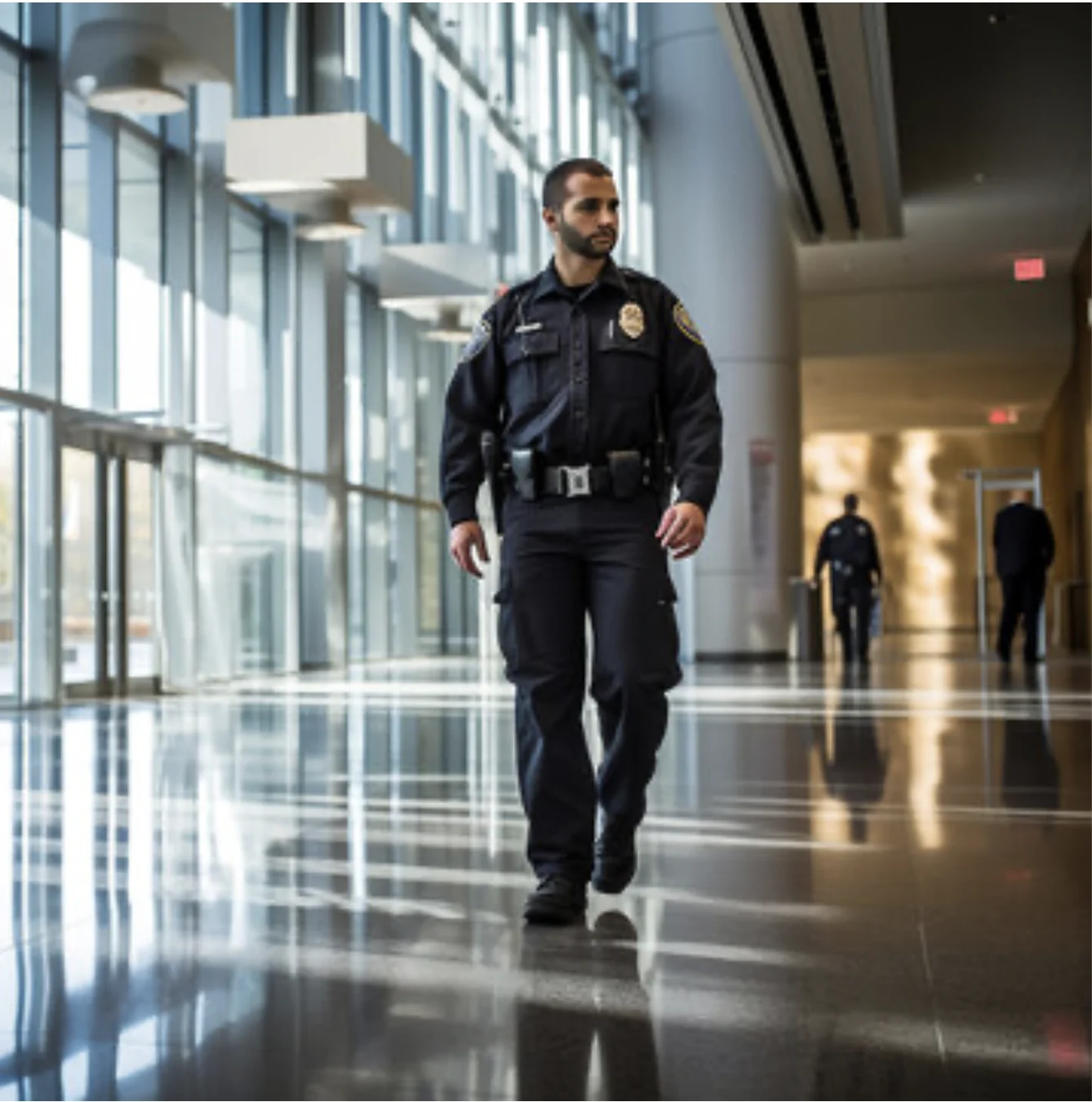
Outcomes
- Add a clear safety layer for clients without cameras or wiring
- Standardize alerts across posts and patrol routes
- Give supervisors visibility into coverage readiness
Pilot setup
- 1Pick one siteChoose posts and patrol zones to cover
- 2Deploy the kitArm coverage and assign supervisor roles
- 3Report readinessUptime, armed time, and confirmed events
Logistics yards
Clinics, hospitals, ER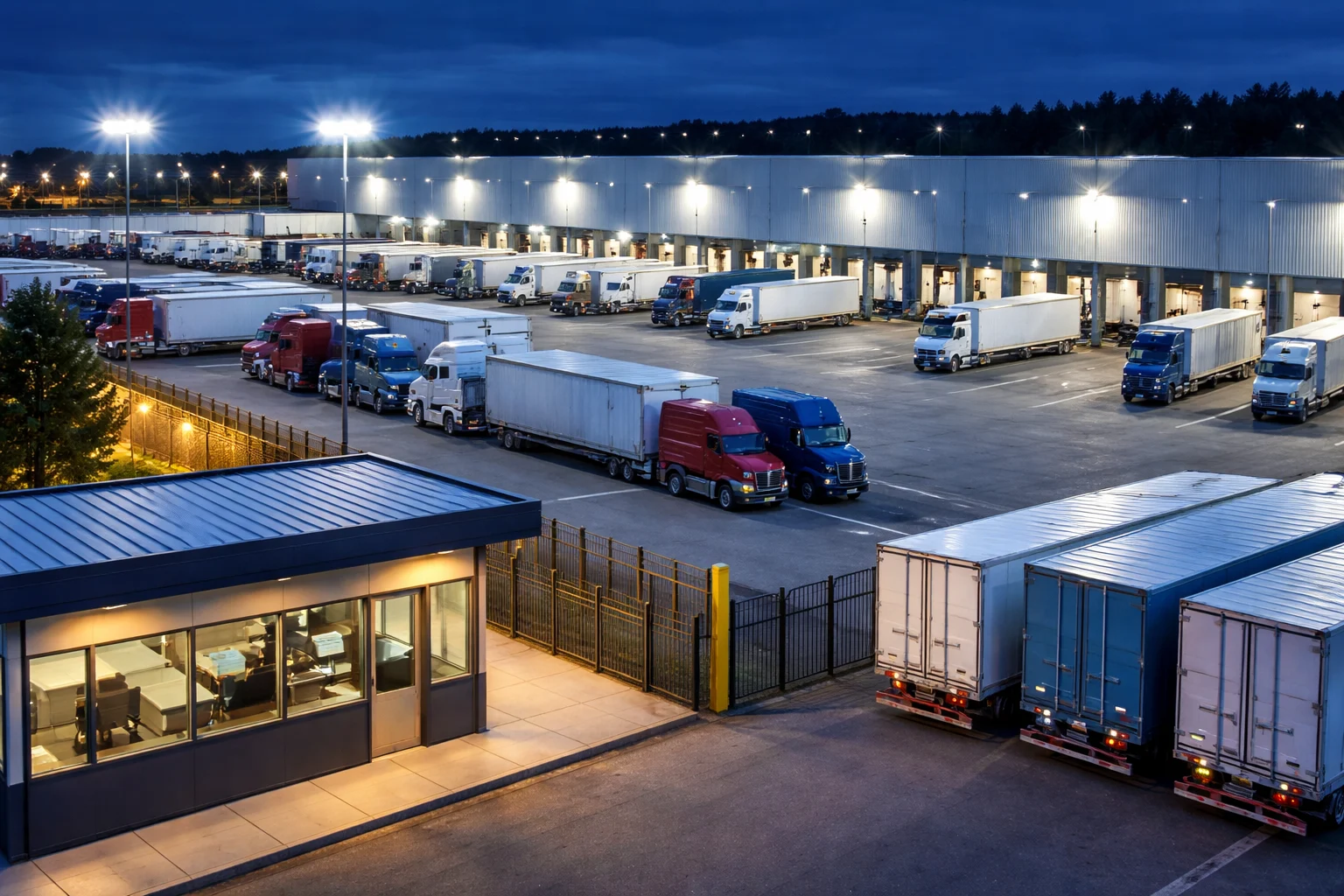
Outcomes
- Privacy first coverage with audio kept on device by default
- Role based escalation for security and operations leadership
- Operational reporting focused on device health and perimeter readiness
Pilot setup
- 1Place phones with staff in key areasGatehouse, loading docks, truck lanes, yard perimeter, employee parking
- 2Assign response rolesSecurity, shift supervisor, operations manager
- 3Validate in contextMeasure uptime and false alerts in your industrial noise profile
Campuses
Districts, campuses
Outcomes
- Start with one building and expand based on real results
- Clear messaging: no cameras and no audio stored by default
- Reduced false alerts through multi device confirmation
Pilot setup
- 1Define pilot scopeOne building, wing, or floor
- 2Assign rolesAdmin and SRO response roles
- 3Report and decideReadiness, false alerts, and coverage gaps
Places of worship
Churches, temples, mosques
Outcomes
- Extend awareness to entrances, parking areas, and outdoor gathering spaces
- Support staff and volunteer response roles without cameras or wiring
- Start with one campus area and expand after a measured pilot
Pilot setup
- 1Assign staff to carry SplitSec phones in key outdoor zonesMain entrances, parking lots, drop off lanes, fellowship areas
- 2Assign response rolesOperations lead, security volunteer, facilities manager
- 3Review and refineTrack coverage, false alerts, and response readiness across service times
Pilot
What we measure
Simple numbers that help you decide. Deploy, measure, scale.
Pilot report snapshot
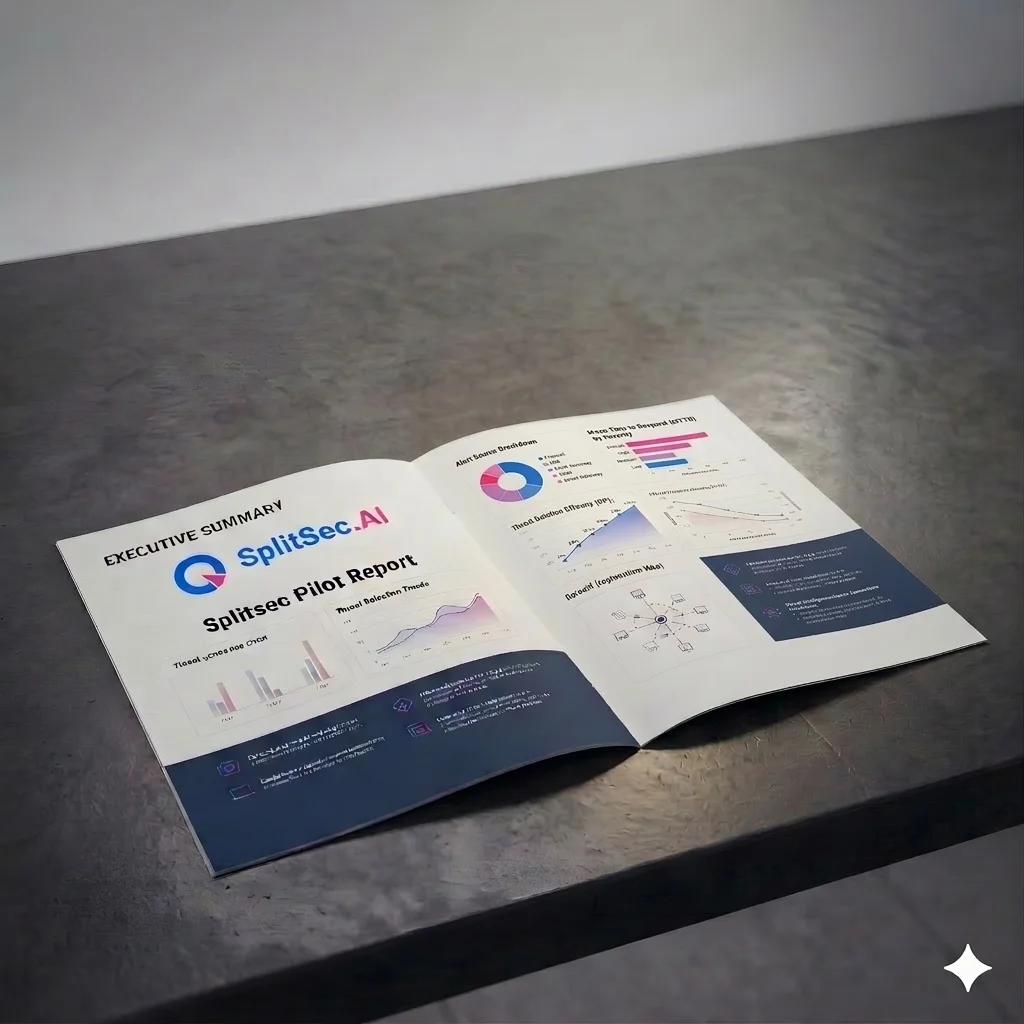
Weekly summaryAverage response time, % enrolled, average daily coverage.
Incident summaryNo incidents reported.
Coverage statusArmed time and battery health.