1
Download SplitSec
Install the app and follow the guided setup.
Use your smartphone to help detect possible gunfire and receive nearby safety alerts.
Install the app and follow the guided setup.
Follow the app’s prompts to enable monitoring.
Invite friends and neighbors to join the pilot and help grow the network.
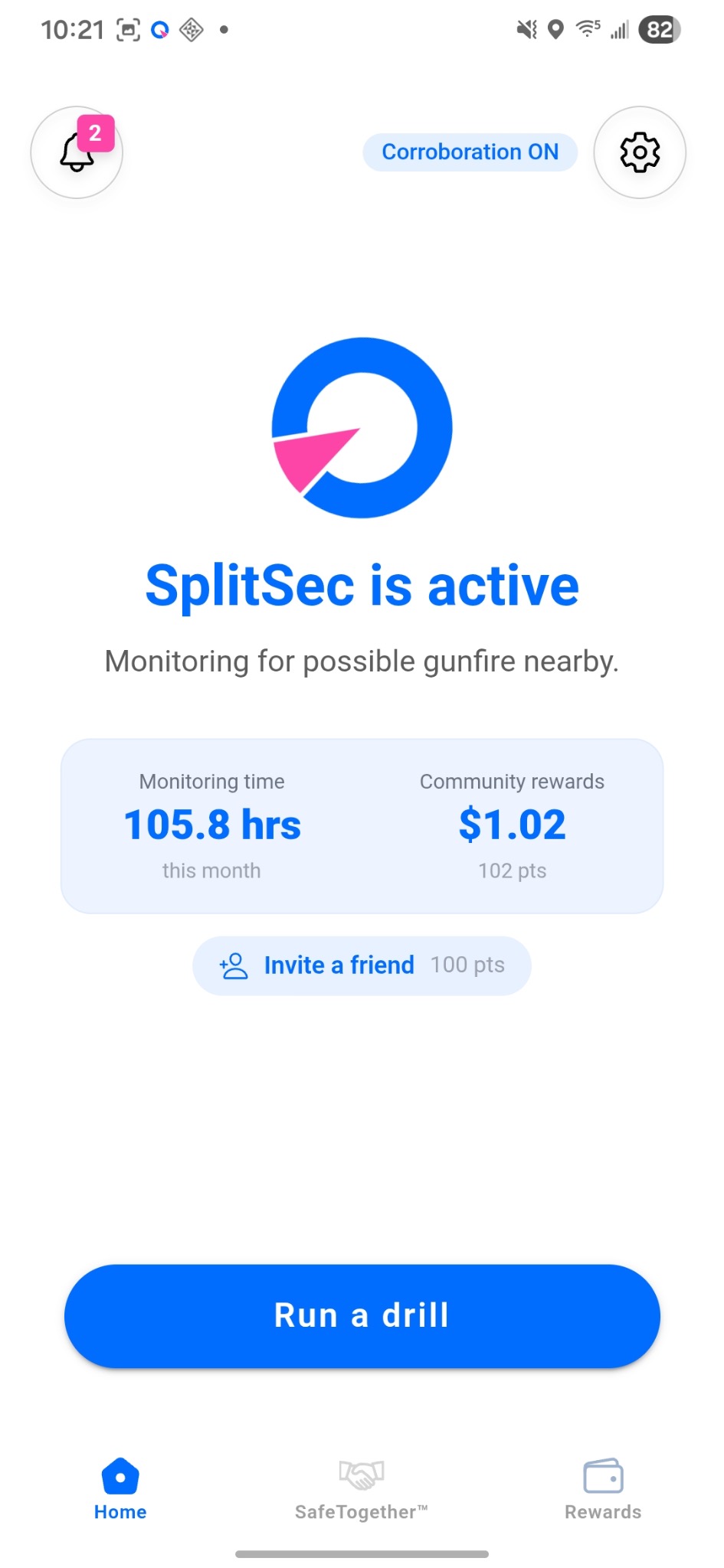
SplitSec analyzes sounds on your phone. Raw audio is never transmitted to SplitSec.
Choose whether to enable detection and how to respond to alerts.
Location helps identify nearby alerts and match detections across phones.
SplitSec analyzes sounds on your phone for patterns associated with possible gunfire. Raw audio is never transmitted to SplitSec.
Help strengthen community awareness with your phone.